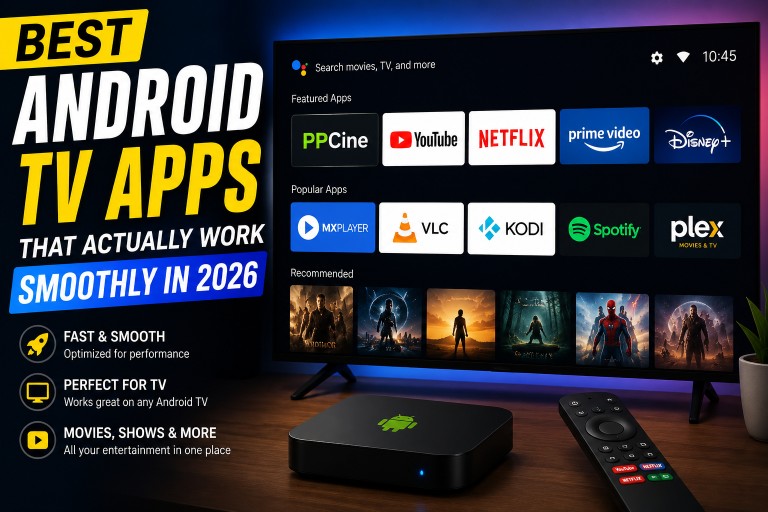
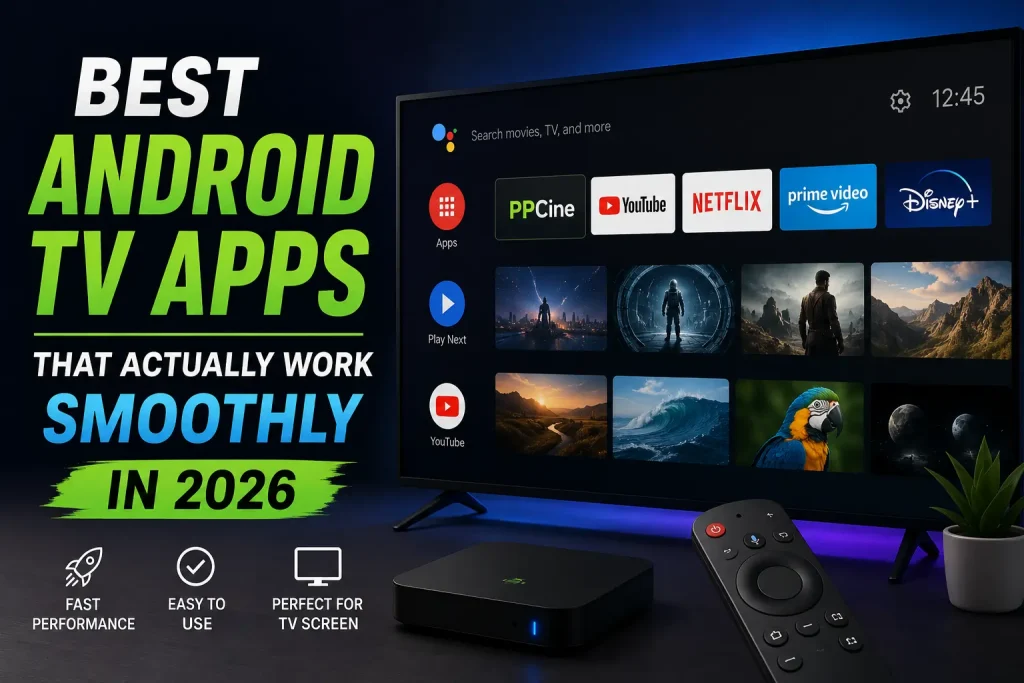
Best Android TV Apps That Actually Work Smoothly in 2026
Finding good Android TV apps sounds easy until you actually start using them.
Some apps look great in screenshots but become frustrating after a few minutes because the interface feels slow, the remote controls barely work properly, or everything starts buffering for no reason.
This gets even worse on budget Android TV boxes and older smart TVs.
After trying different apps on Android TV for a while, I noticed that lightweight apps usually perform much better than feature-heavy ones. Most people don’t need hundreds of complicated options — they just want apps that open fast and work smoothly.
Here are some Android TV apps that genuinely feel better to use in 2026.
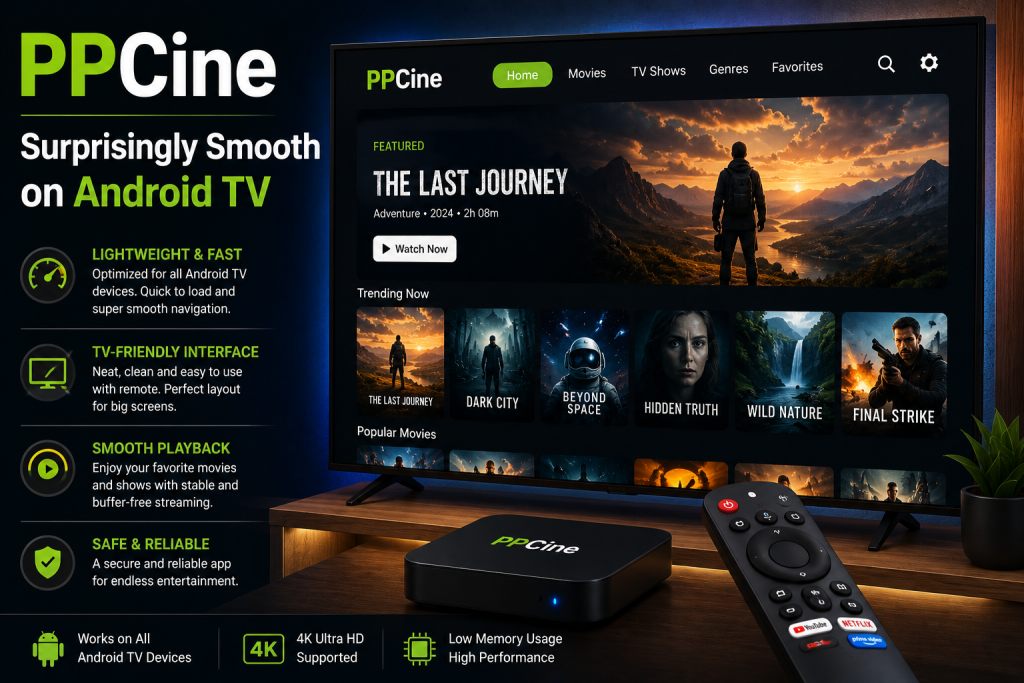
PPCine – Surprisingly Smooth on Android TV
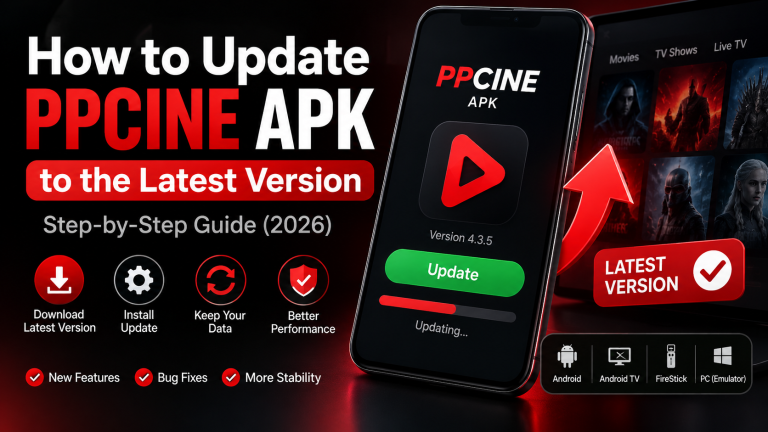
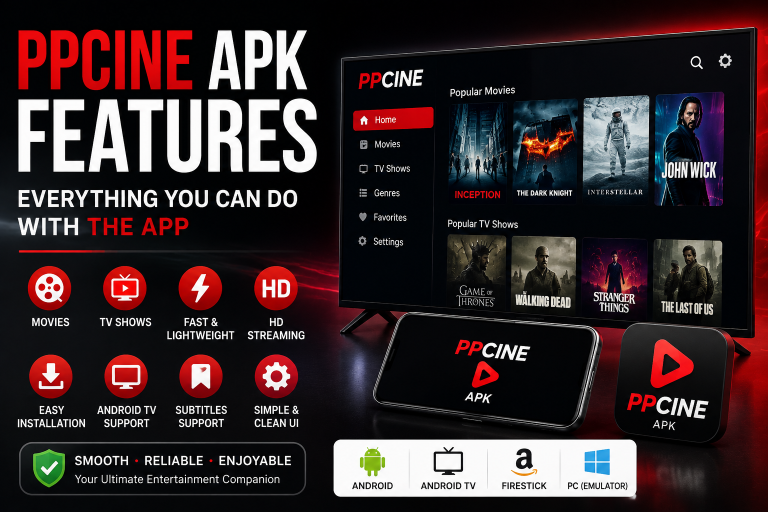
One app that works much better on Android TV than I expected is PPCine.
The interface feels clean, categories load quickly, and the app doesn’t overload the screen with unnecessary elements. Even navigation with a TV remote feels responsive, which honestly makes a big difference during everyday use.
A lot of streaming apps become frustrating on older Android TV devices because they use too much memory, but PPCine feels lighter compared to many alternatives.
For users who mainly watch movies and TV shows, the overall experience feels simple and smooth.
VLC – Still One of the Most Useful Apps
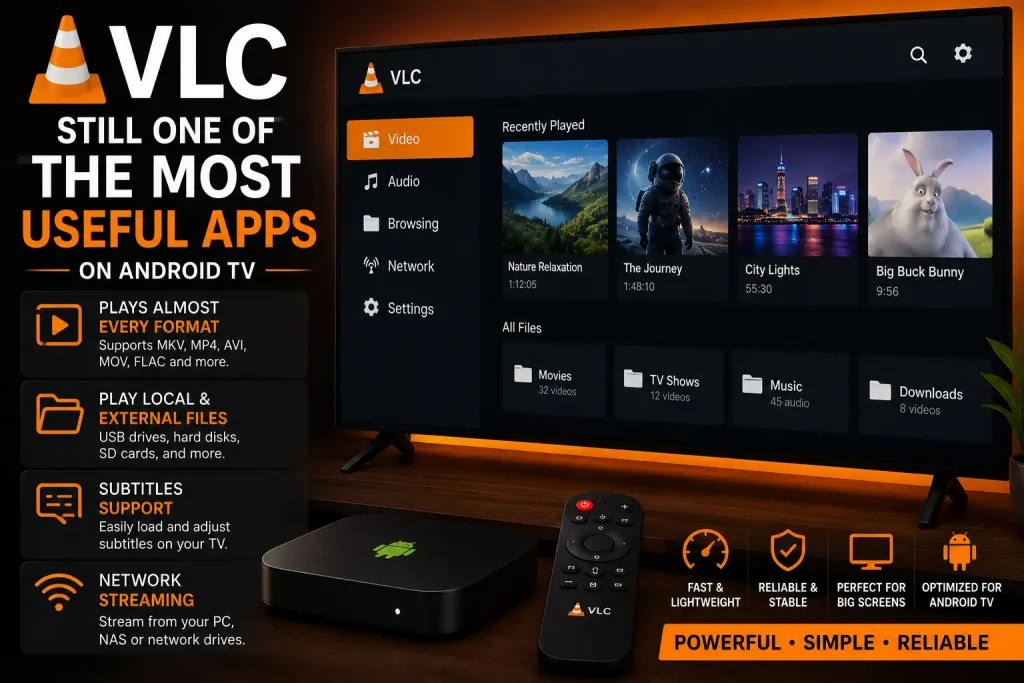
VLC has existed for years, but it’s still one of the best apps to install on Android TV.
It works well for:
- local videos
- external hard drives
- subtitles
- network playback
The reason people still use VLC is because it simply works without unnecessary complications.
Even older Android TV boxes usually handle VLC without problems.
Kodi – Powerful but Sometimes Heavy
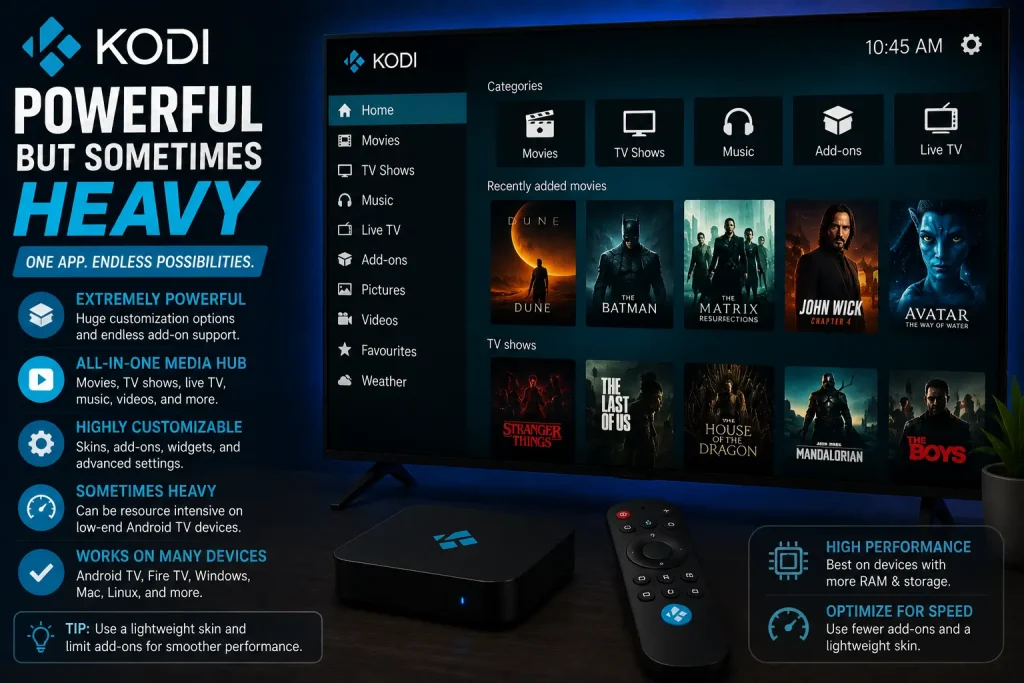
Kodi is one of those apps people either love or hate.
It’s extremely customizable and supports add-ons, but on weaker Android TV devices it can sometimes feel heavy, especially if too many plugins are installed.
Still, for users who enjoy building a complete media setup, Kodi remains one of the most flexible options available.
MX Player – Better Playback Controls
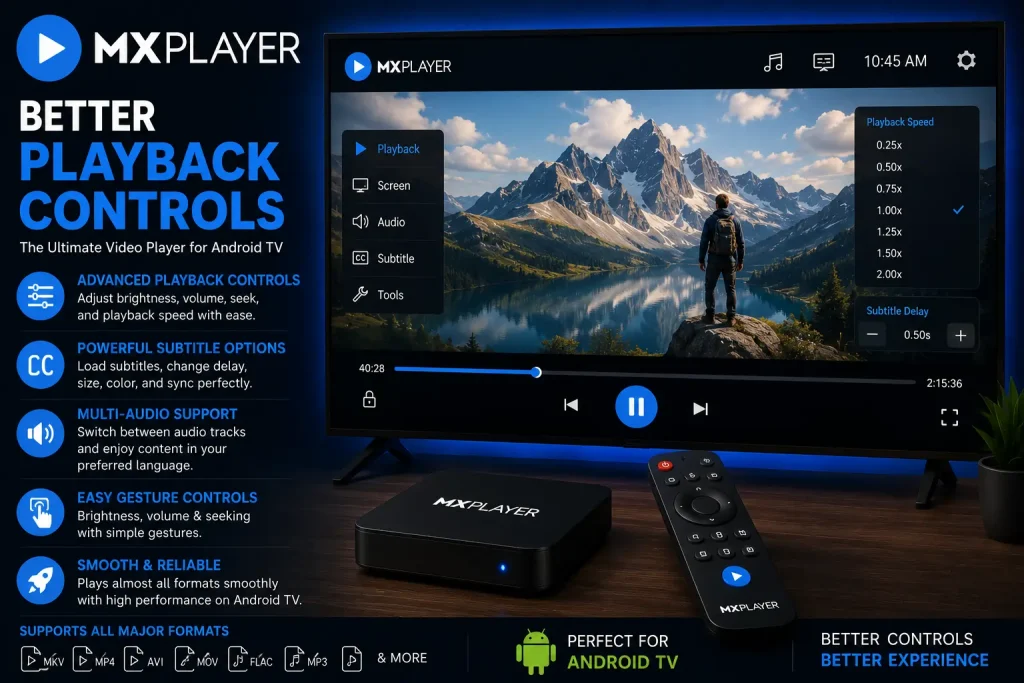
MX Player feels smoother than many default video players on Android TV.
Subtitle controls are easier to manage, playback starts quickly, and the app handles different video formats properly.
Many users install it mainly because the built-in players inside streaming apps often feel unreliable.
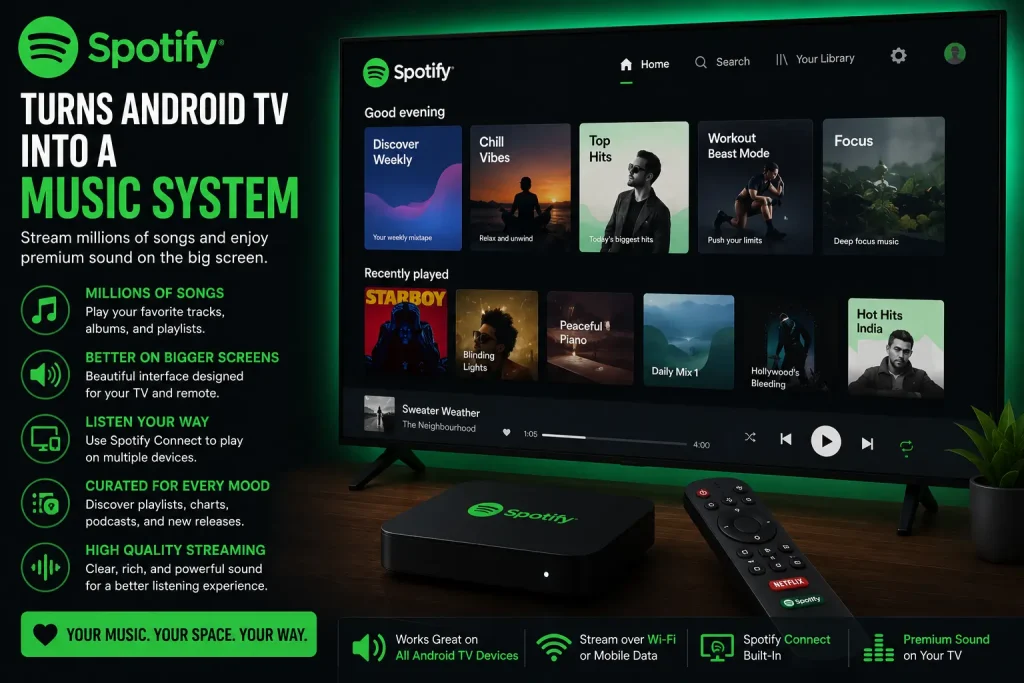
Spotify – Turns Android TV Into a Music System
Android TV isn’t only useful for movies.
Spotify works surprisingly well on TV screens and is great for:
- music
- podcasts
- background listening
The TV interface is optimized properly, which makes browsing playlists easier compared to some other music apps.
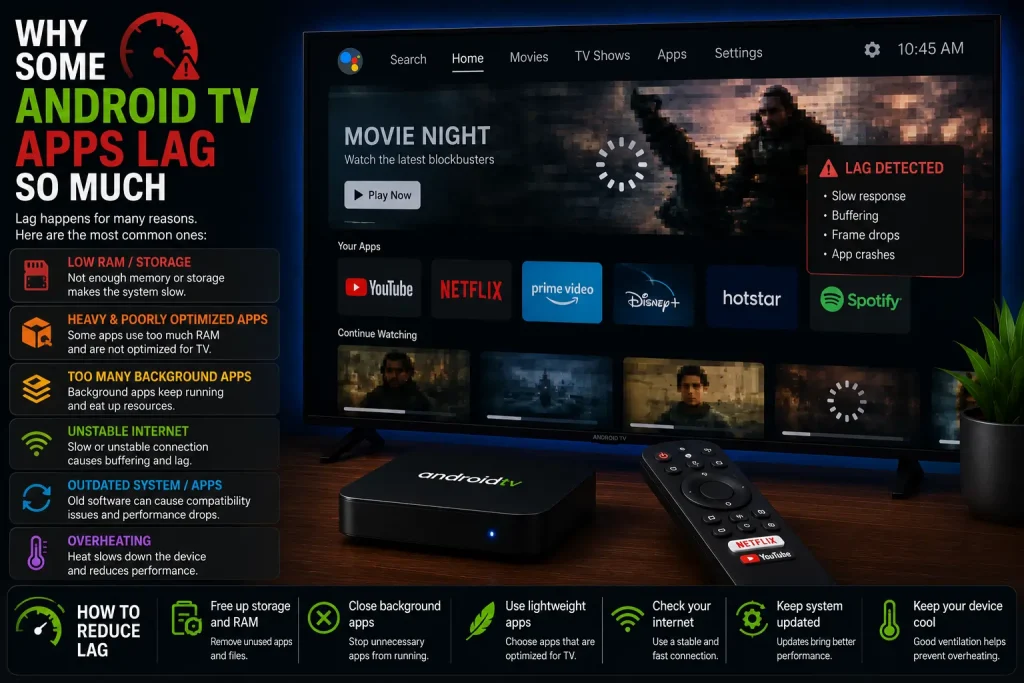
Why Some Android TV Apps Lag So Much
A lot of people blame the device itself, but many apps are simply not optimized for Android TV.
Some apps:
- use too many animations
- overload the homepage
- consume too much RAM
- keep background processes running
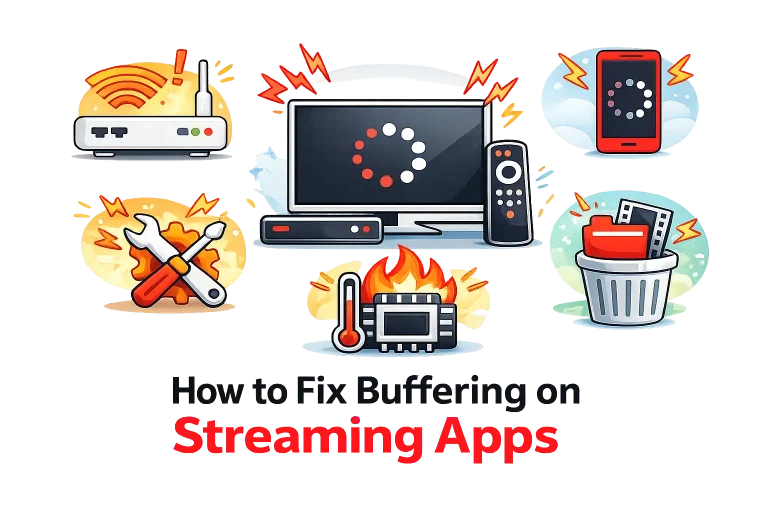
This creates lag, delayed navigation, and buffering — especially on budget devices.
That’s why lightweight apps often provide a better overall experience.
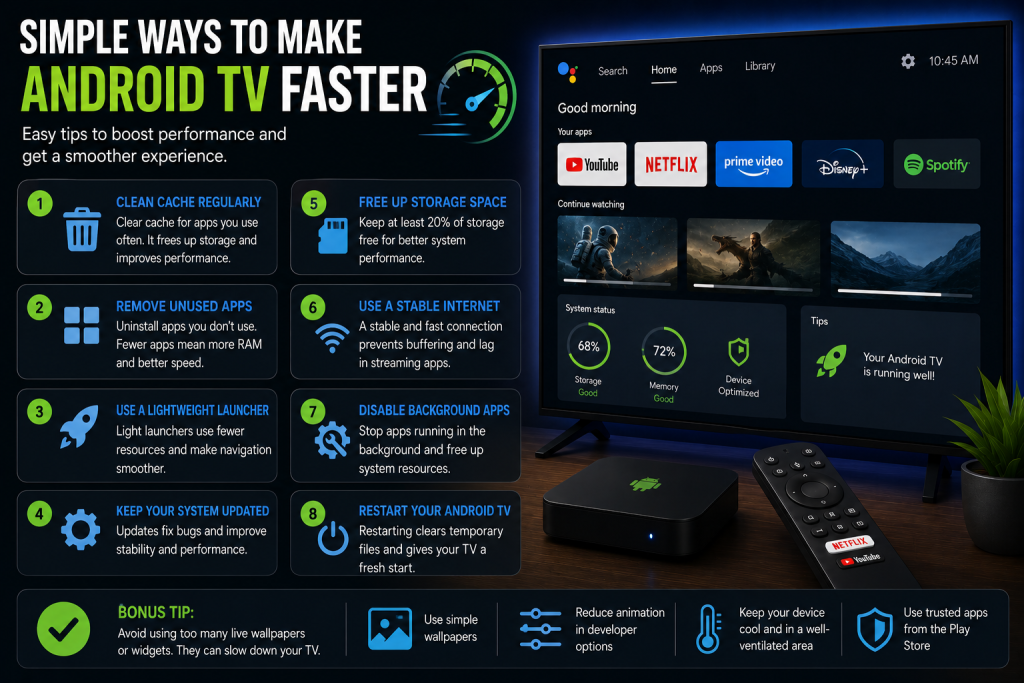
Simple Ways to Make Android TV Faster
A few small changes can improve performance more than most people expect.
Restart the Device Occasionally
Android TV systems slow down over time if never restarted.
Remove Unused Apps
Too many installed apps consume storage and memory.
Use Stable WiFi
Weak internet causes more buffering than people realize.
Clear App Cache
Streaming apps store temporary files that eventually affect performance.
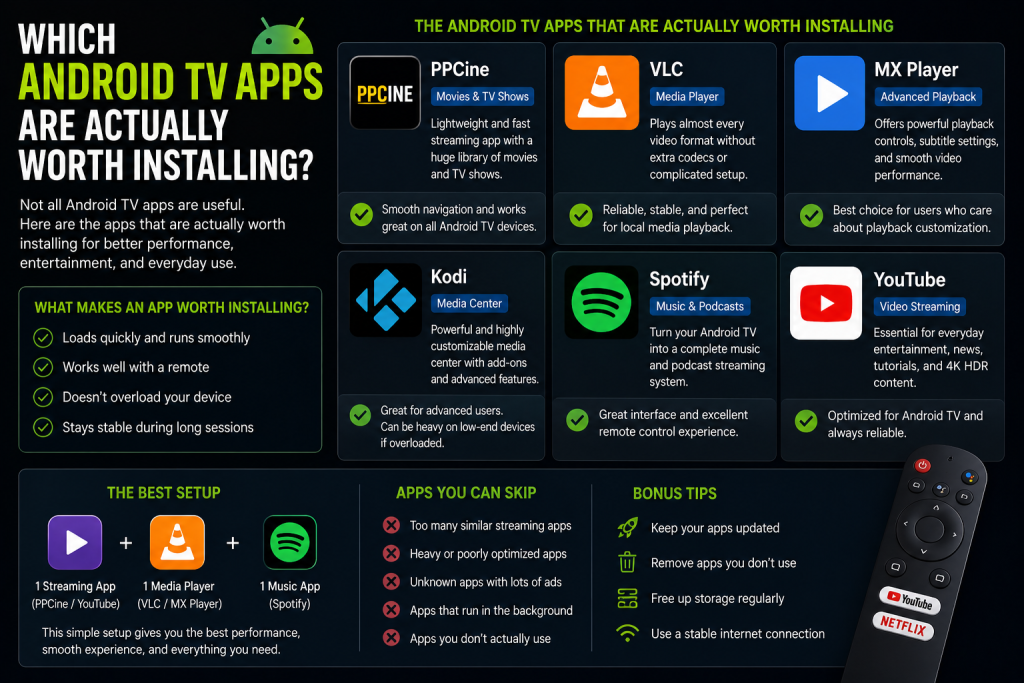
Which Android TV Apps Are Actually Worth Installing?
After testing different apps, I think most users only need a few reliable ones instead of downloading everything they see online.
For everyday use:
- PPCine feels smoother for streaming
- VLC works best for local media
- MX Player improves playback controls
- Spotify is excellent for music
- Kodi is better for advanced users
The best Android TV setup is usually the simplest one.
Frequently Asked Questions
Final Thoughts
A good Android TV experience depends more on app optimization than flashy features.
In 2026, lightweight apps that load quickly and work smoothly are becoming more useful than overloaded apps packed with unnecessary extras.
Most users simply want apps that:
- open fast
- don’t lag
- stream smoothly
- work properly with a remote
And honestly, that matters more than anything else.